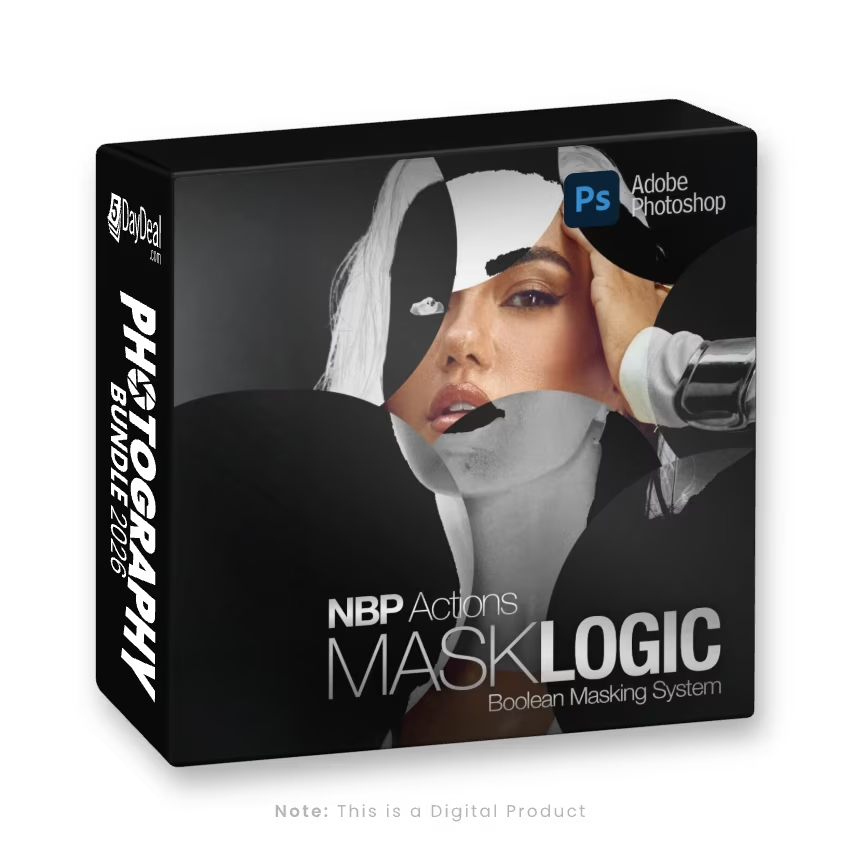
MaskLogic is built around a workflow that commercial retouchers have trusted for years. You create your selections, turn them into masks, and store those masks inside Channels (viewable in the Channels window) for instant access at any point in your process. Once a mask lives in Channels, you can call it up, combine it, or reshape it with complete control. MaskLogic is designed to make that entire workflow faster, cleaner, and far more intuitive.
The system treats each stored channel as a building block. Any selection you make can be saved as a dedicated channel, ready to load again with a single click. This opens the door to true mask logic, where two channels can be combined into one through addition, subtraction, inversion, or intersection. MaskLogic includes helper Actions that handle these operations instantly, so you never have to dig through menus or troubleshoot unexpected results. If you prefer to build intersections manually, there is also a Calculations Action that calls Photoshop’s native Calculations command with convenient preset settings so you can calculate masks fast.
MaskLogic brings all the major selection sources into one place. A luminance pull, a color selection, Adobe AI "Object" masks (people, body parts, clothing etc) or a hand-refined mask are each saved as its own channel and reused at any time. Once saved, those masks can be blended together, compared, or rebuilt without losing fidelity or flexibility. The result is a workflow where masks behave like a library you can shape and combine on demand.