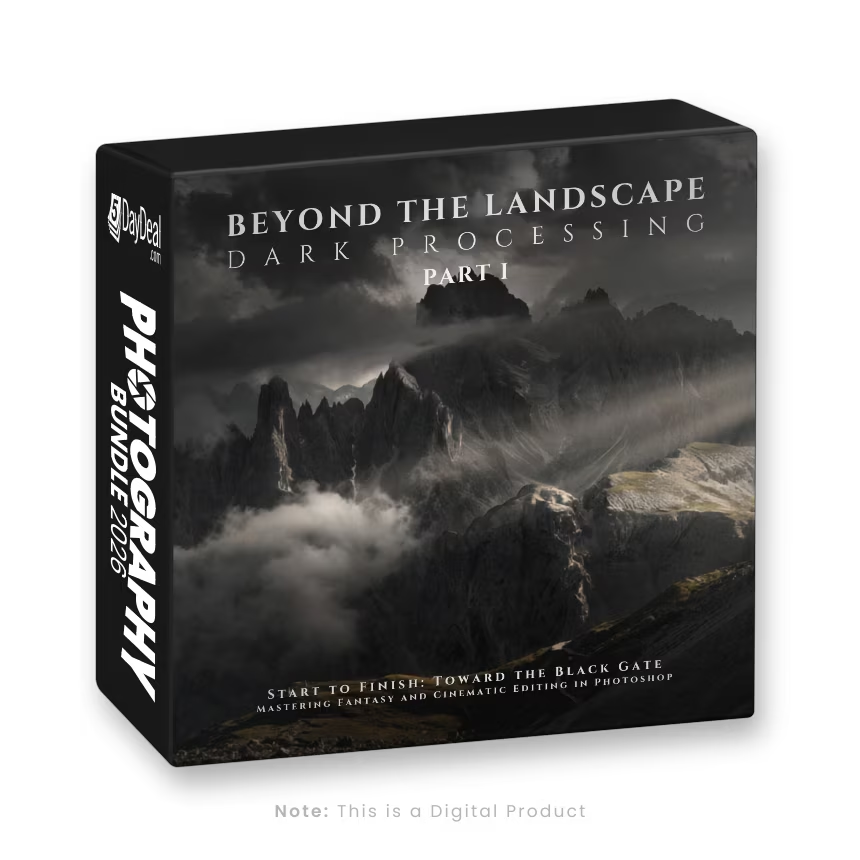
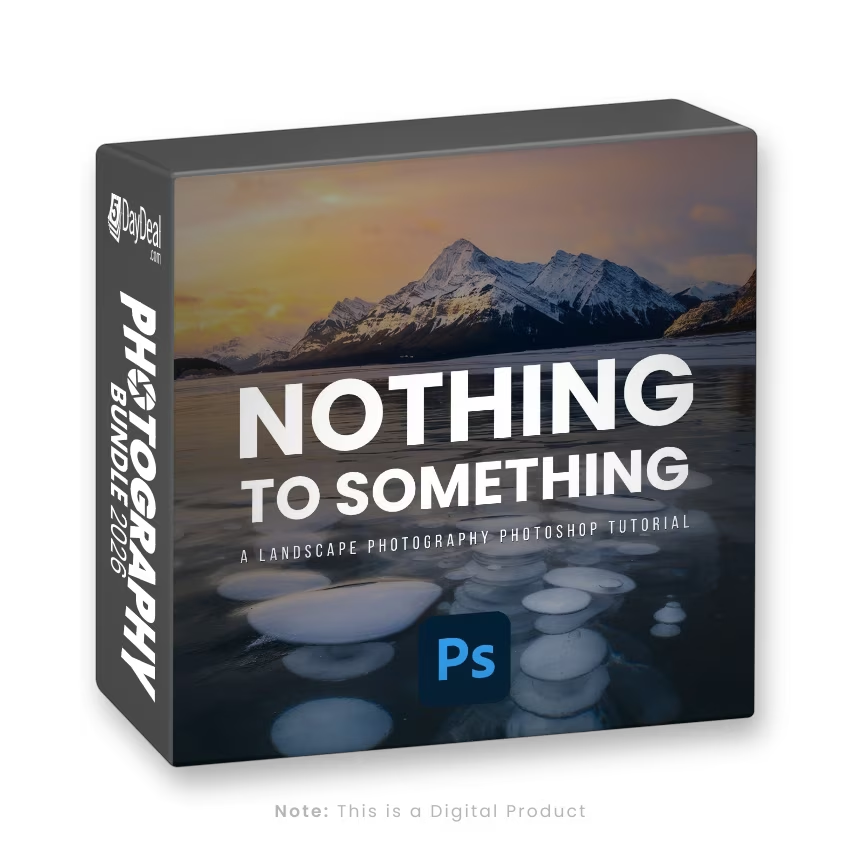
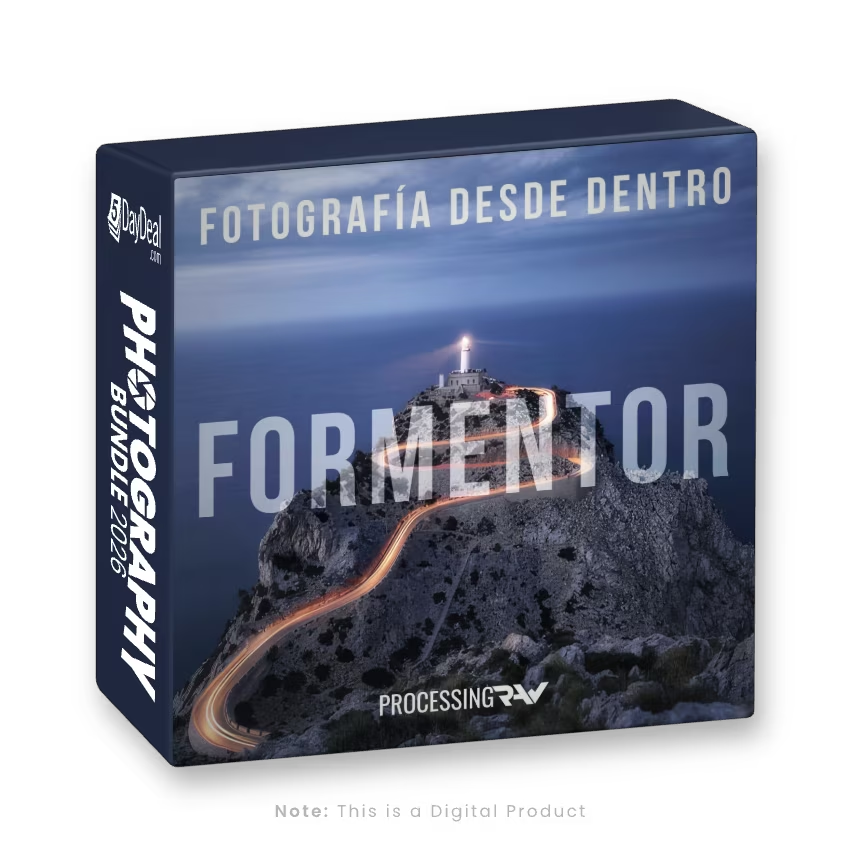
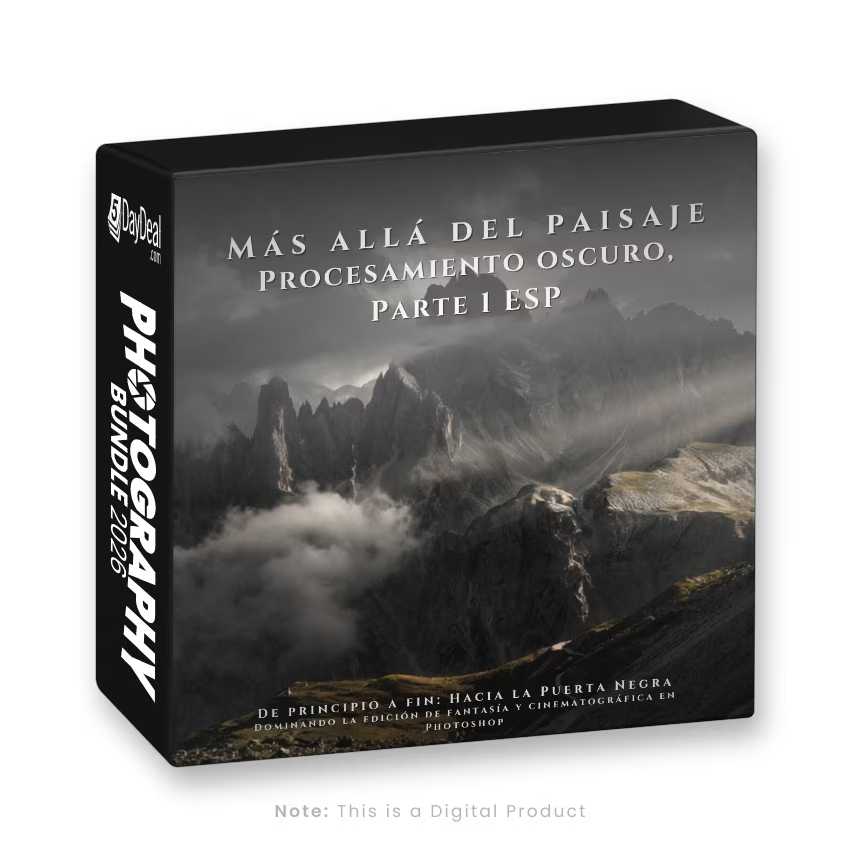
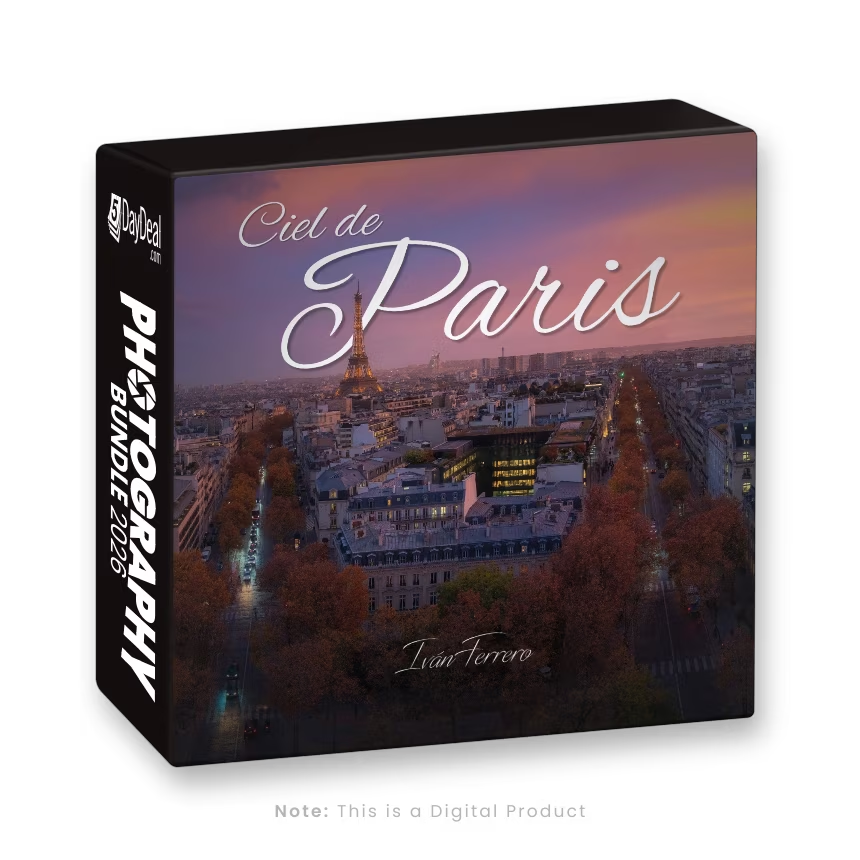
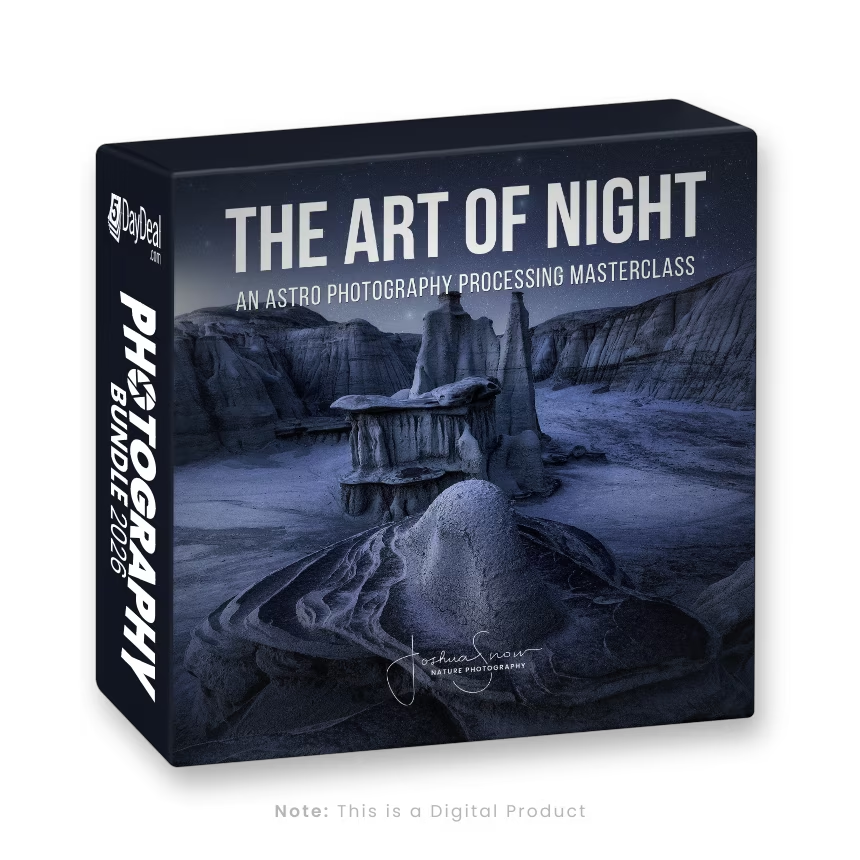
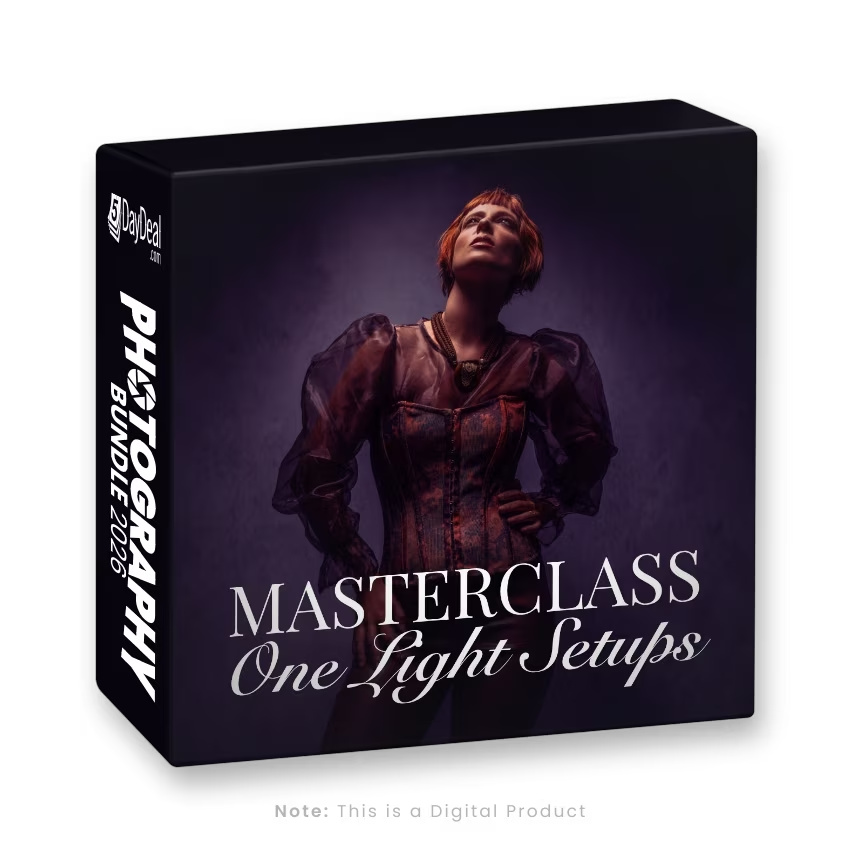
In this in-depth Photoshop tutorial, I will guide you through my workflow, revised and enriched with new tools and techniques to take your images to a cinematic and evocative level. This is an evolution of my well-known workflow, incorporating additional software and innovative methods to enhance creativity and efficiency.
What You Will Learn:
✅ How to transform inspiration into a concrete editing process
✅ Time blending to merge different exposures into a single scene
✅ Advanced dodge & burn techniques to sculpt light and shadows
✅ Color grading and toning to create atmosphere and depth
✅ Using luminosity masks for selective image adjustments
✅ Creating and enhancing light for a dramatic impact
✅ Utilizing plugins like Boris FX and Topaz Pure Raw to refine details
Note: While I demonstrate Boris FX and Topaz Pure Raw in the tutorial, these tools are not essential to the workflow. Similar results can be achieved using DxO Color Efex or other alternative plugins.
The latest version of Photoshop is NOT required – the oldest compatible version is Photoshop CC 2013. An intermediate knowledge of Photoshop is required – this is NOT a beginner’s course.