Mastering RAW Development
Complete Luminar NEO RAW Workflow
Learn a complete RAW development workflow in Luminar NEO from optics and noise reduction to color, curves, and histogram-based adjustments.

RAW files contain an incredible amount of hidden detail, but unlocking their full potential requires a thoughtful development process.
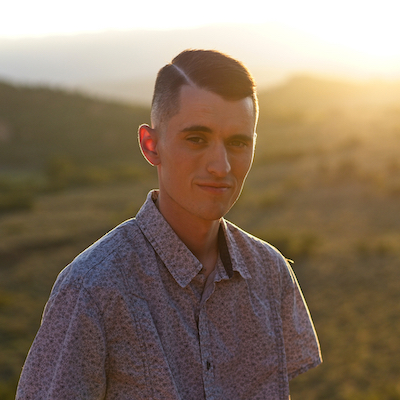
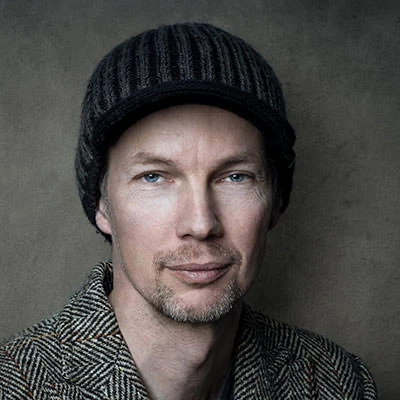
In this one-hour masterclass, professional photographer Jakub Bors walks you through the complete RAW development workflow in Luminar NEO, showing how to transform a flat RAW file into a polished and natural-looking photograph.
You will learn how to approach editing with a structured workflow, starting with technical corrections and finishing with creative control over light and color.
During this class, we will cover:
• Correcting lens distortions and perspective using Optics and Transform tools
• Establishing a strong foundation with camera profiles and RAW adjustments
• Using noise reduction and sharpening to enhance detail without artifacts
• Reading and understanding the histogram to guide your exposure decisions
• Refining brightness, contrast, and color for a balanced image
• Leveraging Curves for precise tonal control
By the end of this session, you will have a repeatable RAW development workflow that helps you produce clean, natural, and professional-looking photographs.
Whether you shoot landscapes, travel, or portraits, mastering RAW development is one of the most important skills a photographer can learn.
Section 1 – Understanding RAW Files
• Why RAW files contain more editing potential
• Why a structured development workflow matters
Section 2 – Technical Corrections
• Correcting lens distortions
• Removing chromatic aberration
• Adjusting perspective and transformations
Section 3 – Building the Base Image
• Selecting the right camera profile
• Exposure adjustments
• Recovering highlights and shadows
Section 4 – Enhancing Image Detail
• Noise reduction for clean images
• Sharpening techniques to restore detail
Section 5 – Light & Color Adjustments
• Reading the histogram to guide your edits
• Adjusting brightness, contrast, and color
• Setting proper white balance
Section 6 – Advanced Tonal Control
• Using Curves for precise control
• Shaping contrast and tonal depth
Section 7 – Final Polish
• Refining the overall look
• Final workflow recap and export tips